Modern Restaurant Menu
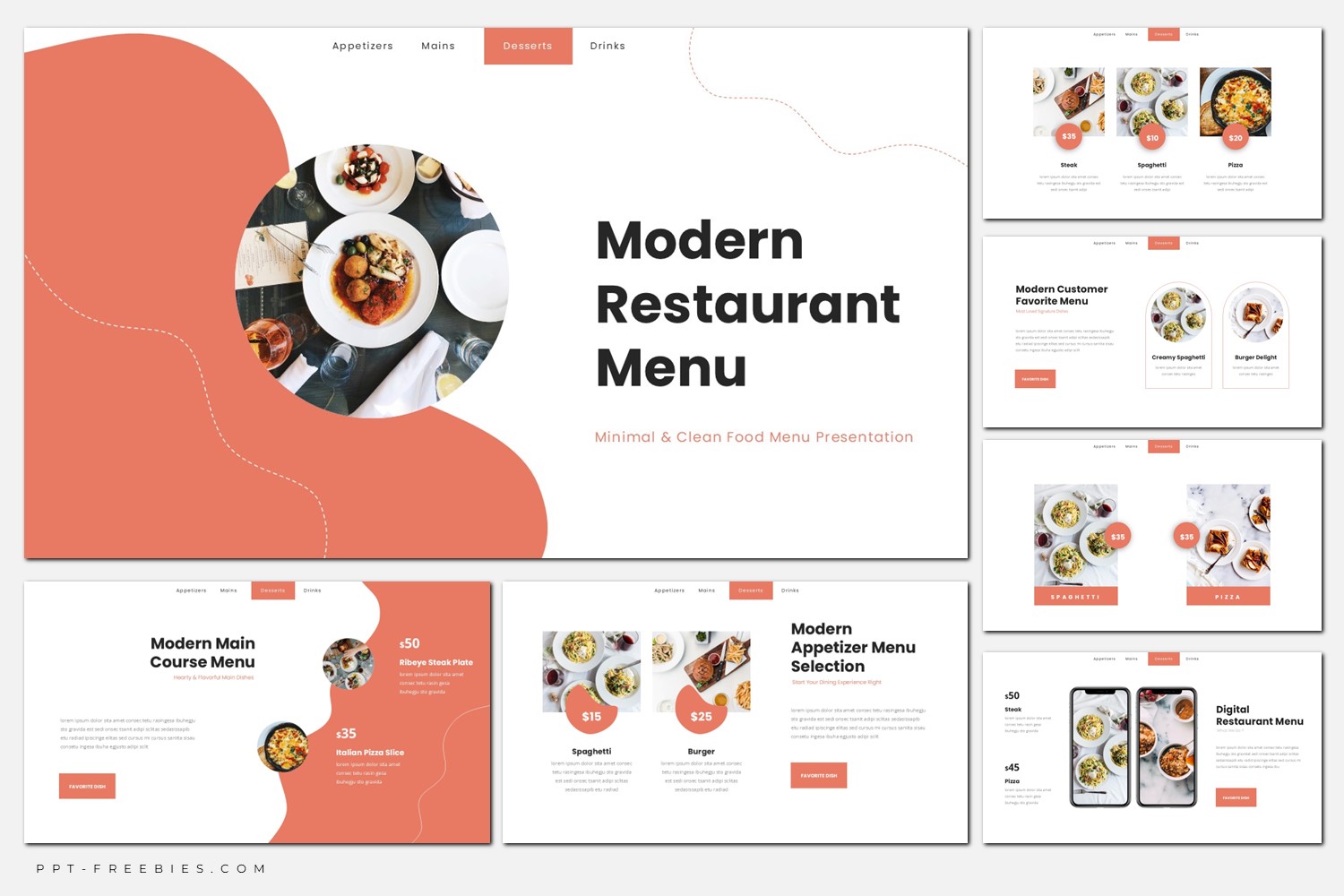
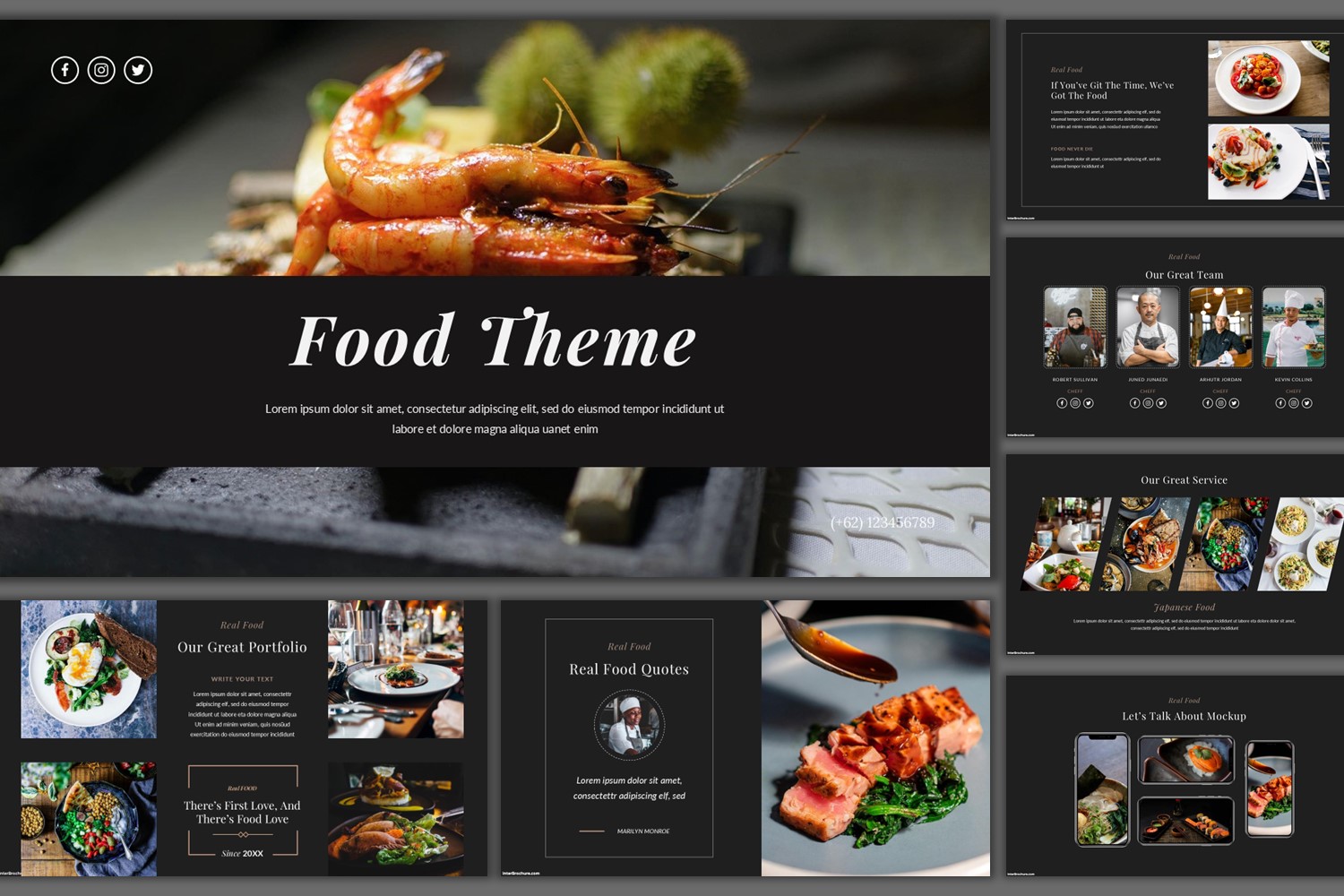
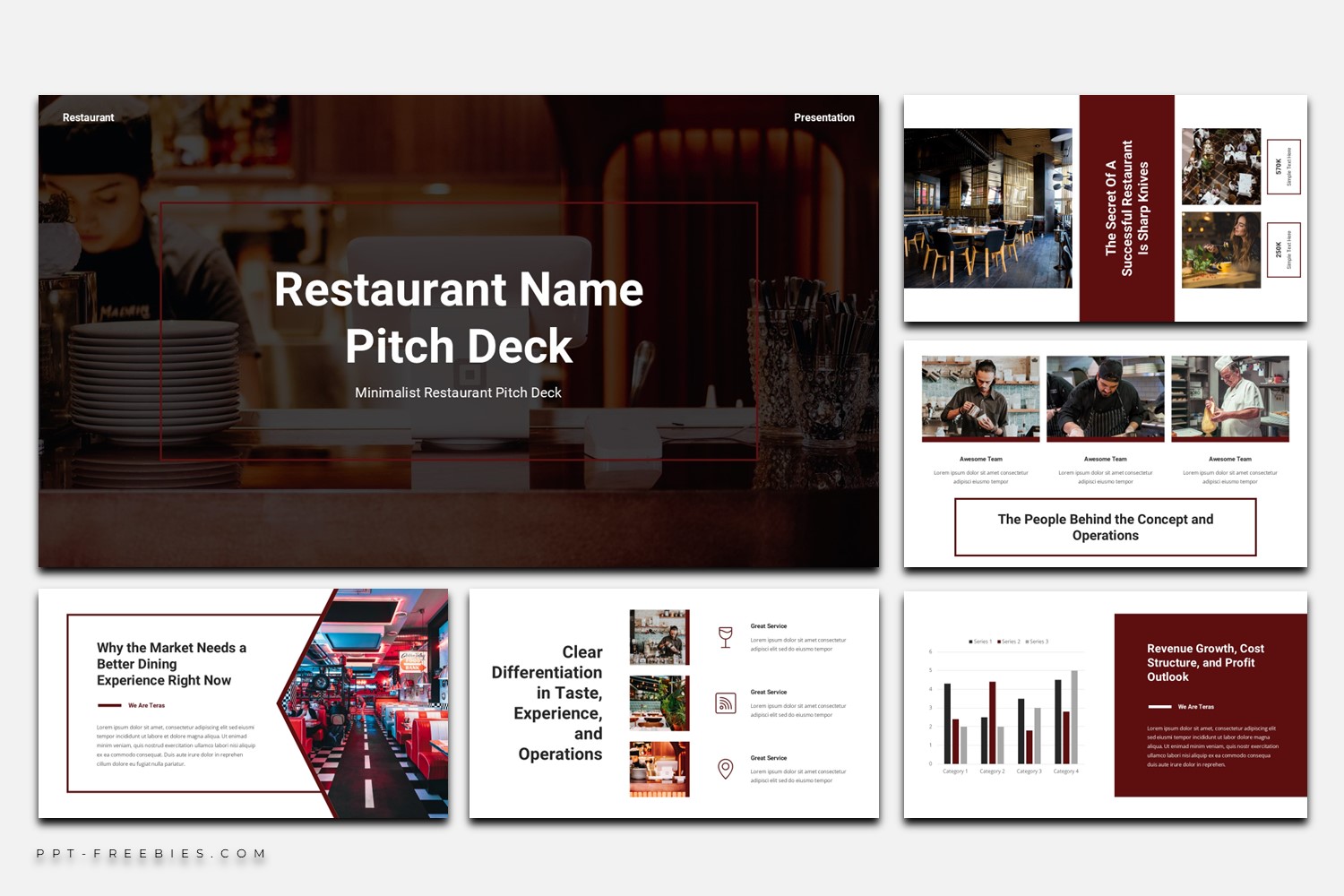
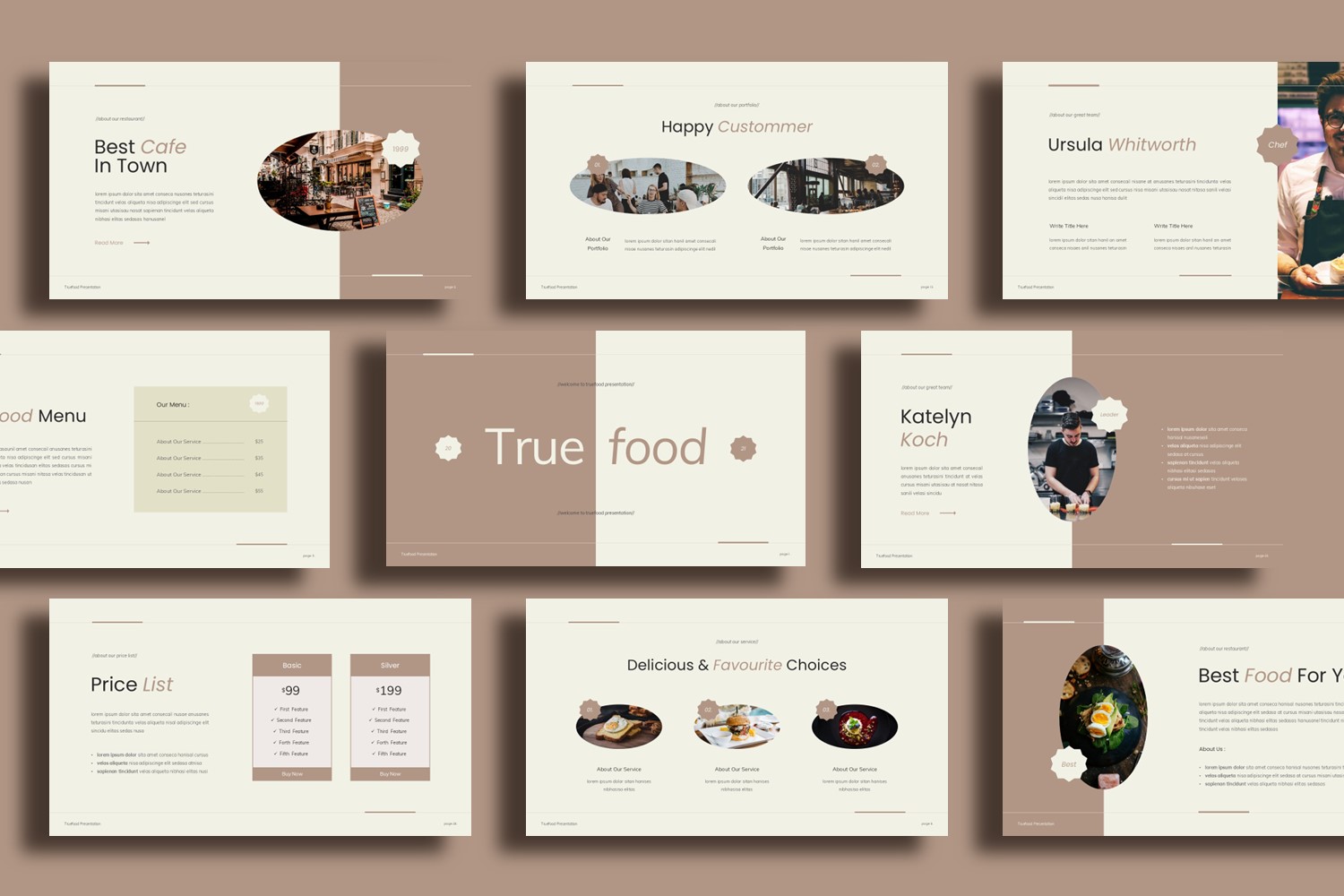
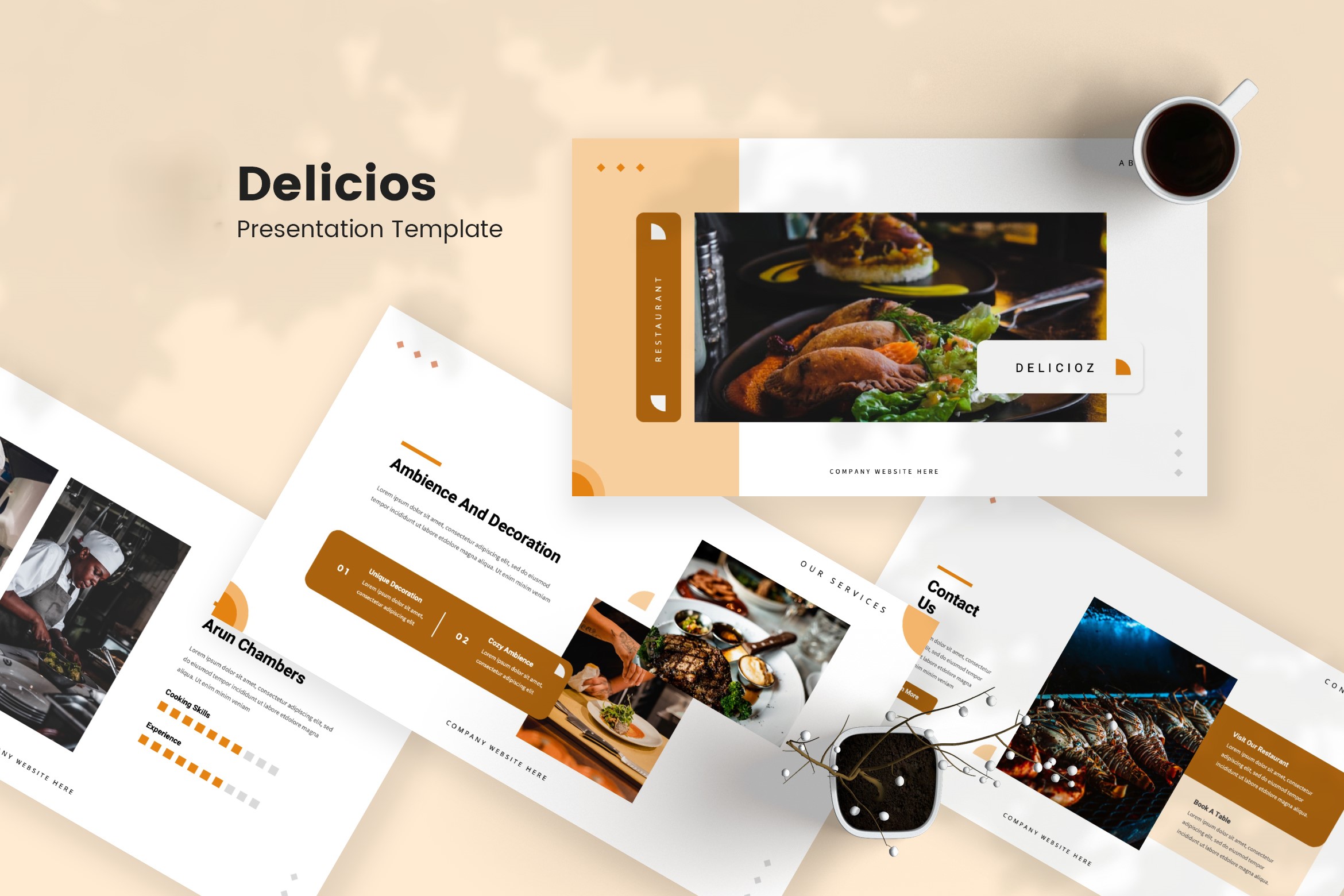
Modern Restaurant Menu is a photo-first slide deck with warm coral shapes, circular food imagery, and clear price callouts. Use it to present weekly specials, menu categories, and digital menu packages across PowerPoint, Google Slides, and Canva.
Bring your restaurant menu to life with layouts that lean on large food photography and roomy whitespace. Warm coral/salmon blobs, dotted wave accents, and circular image crops help frame dishes without feeling busy. Pricing is treated as a design element—round price badges, compact cards, and a two-column package comparison help customers scan fast. You’ll also spot slides built around digital menu use cases (phone/laptop/desktop mockups), plus sections for chef picks, team profiles, and reservation contact details. This deck works best when you want a visual menu presentation you can refresh often, especially for weekly rotations and seasonal highlights.
Key Features :
- 30 slides in 16:9 widescreen layout
- Works with PowerPoint, Google Slides, and Canva
- File package includes PPTX + Google Slides link + Canva template
- Commercial license
- Images included (as provided) + font download links
- Photo-forward layouts with clear pricing callouts (badges, cards, lists)
- Includes digital menu showcase scenes (device mockups) and package-style pricing sections
What’s Inside :
- Title/cover layout with circular hero food photo
- Menu category overview with multiple items + price badges
- Weekly special / recommendation feature with CTA button
- Seasonal highlight slide with large hero imagery
- Pricing/packages comparison (two-column bundle table)
- Digital menu showcase with device mockups
- Team/staff slides (avatars + profile cards + skill/progress indicators)
Best For :
- Restaurants and cafés updating menus weekly or seasonally
- Presenting featured dishes and chef recommendations with strong visuals
- Digital menu presentations (screens, website embeds, QR-menu promos)
- Bundle/package offers (date night, family set, combo deals)
- Short in-house presentations for staff or front-of-house briefing
Tips Editing :
- Keep food photos consistent in lighting and angle; mixed styles make the deck feel less cohesive.
- On coral sections, bump text contrast (use darker text and avoid thin weights for long lines).
- Align price badges to a repeatable position (top-left or bottom-center) so the menu scans faster.
- Don’t overfill cards with copy—use one short description line, then let pricing and imagery do the work.